Tech Terms for the Modern Computer User
If CPU vs GPU still feels like alphabet soup, this guide will clean up the mess.
Ian Gardner is a British-American broadcaster, voice artist and audio enthusiast, sharing years of experience building creative workflows from a modern home studio. He helps readers make smarter buying decisions across studio gear, production tools and home comforts for both inside and outside the workspace. Broadcasters, podcasters, voice artists, producers and digital creators will find guidance that supports high production values and efficient workflows for building a successful home studio business. Similar articles can be found in the computers blog.
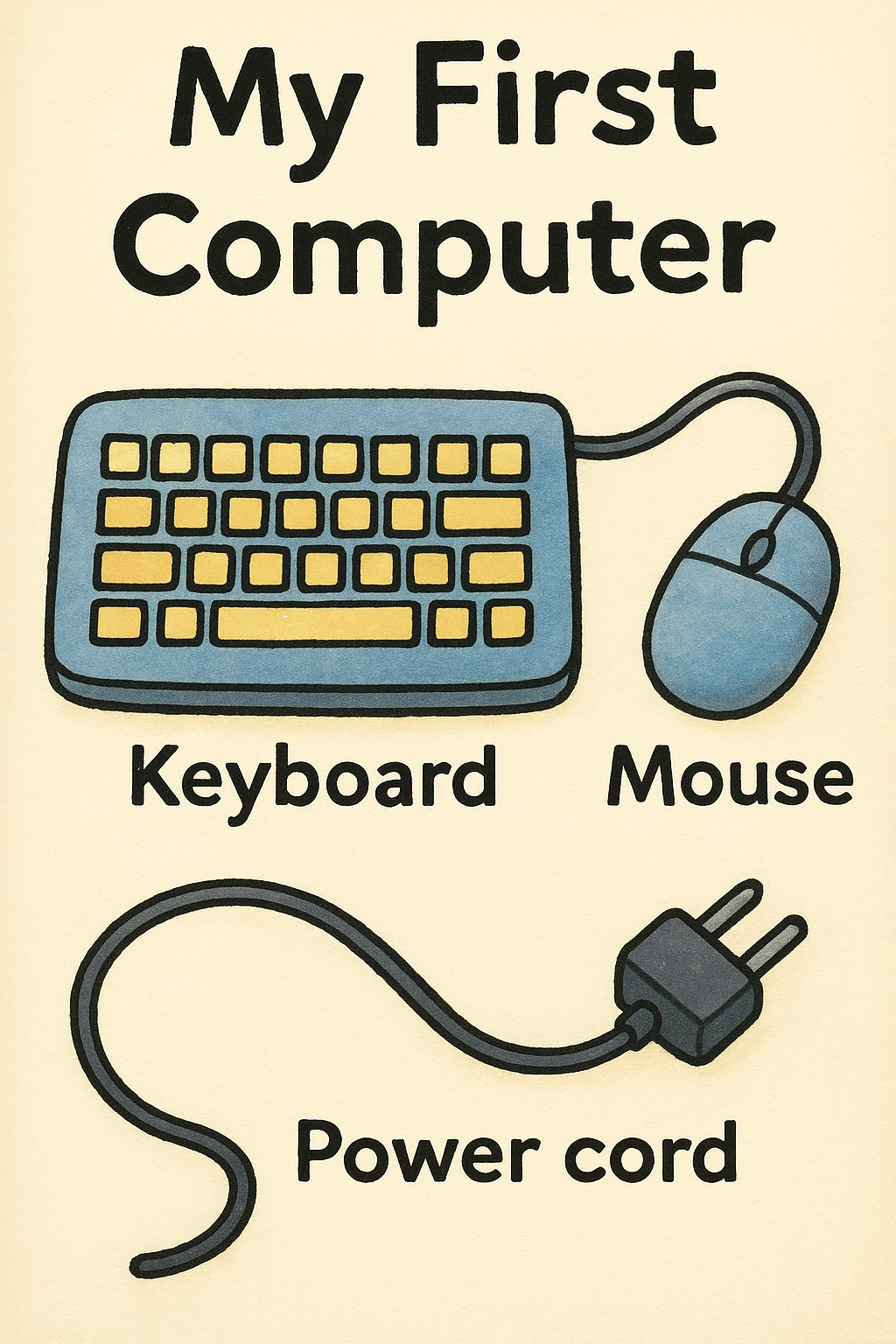
Think you know your USB from your GPU, or your DRAM from your DIMM? This glossary turns computer hardware jargon into a fun little backstage tour of what makes your home studio and everyday tech tick.Prepare to meet the chips, ports, slots, and circuits that quietly power your digital life.Computers might be the greatest multitaskers on the planet, but the vocabulary that comes with them can feel like another language entirely. Whether you are building a home studio, upgrading your everyday laptop, or just want to know what all those blinking boxes and tiny connectors do, this glossary has your back. It is a fun and factual tour through the terms that define your machine's beating heart. Ready to talk the talk? Grab a cup of coffee or your favorite craft beer and dive into the silicon speak-easy.
CPU The Central Processing Unit is your computer's brain. It performs calculations, runs instructions, and basically does all the thinking required to keep your system alive and kicking.
GPU The Graphics Processing Unit handles visuals, graphics rendering, and makes everything from desktop icons to Hollywood-level CGI possible. It is especially important if you love gaming, video editing, or smooth studio visuals.
RAM Random Access Memory is short-term working memory for your computer. More RAM means more room for applications, plugins, and browser tabs to operate without turning your system sluggish.
DRAM Dynamic Random Access Memory is the most common type of RAM in computers. It stores data in tiny capacitors that need constant refreshing, which sounds exhausting but works brilliantly.
SSD A Solid State Drive uses flash memory for storage, offering lightning-fast speeds compared to older spinning hard drives. It helps your computer boot quickly and keeps software zipping along.
HDD A Hard Disk Drive uses spinning magnetic platters to store your files. While slower than SSDs, it still offers large storage capacities at wallet-friendly prices.
Flash Memory A type of storage chip that can be electrically erased and reprogrammed. It is the tech behind USB sticks, SSDs, and memory cards.
Motherboard The main printed circuit board that all other hardware plugs into. It is basically the city grid that keeps your system's power, signals, and highways connected.
Chipset A collection of integrated circuits on the motherboard that manages how components talk to each other. Think of it as the logistics manager of your system's internal communication.
USB Universal Serial Bus is the all-purpose port for connecting devices like microphones, interfaces, keyboards, and storage drives. Plug-and-play magic at its finest.
USB-C A reversible, fast-paced version of USB that carries power, data, video, and more. Its small size makes it perfect for modern laptops and mobile gear.
PCIe Peripheral Component Interconnect Express is the ultra fast connection slot for GPUs, SSDs, and high performance cards. It is the speed demon lane on your computer's highway system.
AGP Accelerated Graphics Port is an older type of slot designed specifically for graphics cards before PCIe took over. It is basically the retro jacket of PC graphics connections.
DIMM Dual Inline Memory Module refers to the sticks of RAM you insert into your motherboard. They snap in with a satisfying click that feels like upgrading superpowers.
SODIMM Small Outline DIMMs are the compact RAM sticks used in laptops and small form factor PCs. Smaller, but just as mighty.
BIOS Basic Input Output System is the firmware that wakes your computer when you press the power button. It initializes hardware and hands things off to your operating system.
UEFI Unified Extensible Firmware Interface is the modern replacement for BIOS, offering faster booting and a more advanced interface. It is like BIOS after a long overdue makeover.
PSU Power Supply Unit converts wall power into stable electricity for your components. No PSU, no party.
Fan A simple but vital airflow device that keeps components cool. Without fans, modern hardware would overheat faster than a laptop left on a sunny car dashboard.
Heat Sink A block of metal designed to absorb and disperse heat from chips like the CPU. Paired with a fan, it becomes the ultimate cooling duo.
Thermal Paste A conductive paste applied between a CPU and heat sink to improve heat transfer. Tiny tube, huge impact.
Case The physical enclosure that houses your hardware. Cases come in all sizes, shapes, and vibes - from RGB showpieces to stealthy minimalist towers.
Case Fan Additional cooling fans placed inside the computer case to improve airflow. They help keep temperatures stable and noise levels manageable.
Expansion Slot A connector on your motherboard that lets you add new hardware like GPUs, sound cards, or networking cards. It is the DIY upgrade lane for your PC.
Sound Card A dedicated audio processing card used for high resolution audio work, gaming, or studio setups. While many motherboards have built in audio, pros love the clarity a sound card offers.
Network Card A device that provides wired or wireless connectivity for your computer. These days WiFi cards are slim, fast, and surprisingly powerful.
Ethernet Port A jack that connects your computer directly to a wired network. Great for stable home studio uploads and streaming sessions.
Thunderbolt A high speed port created by Intel and Apple that carries data, video, and power. It is the A-list celebrity of computer connections.
HDMI High Definition Multimedia Interface is a video and audio connector used for monitors, TVs, and studio displays. Plug it in and get crisp visuals instantly.
DisplayPort A video connector designed for high resolution monitors and pro setups. It handles high refresh rates like a champ.
VGA An older analog video connection still seen on legacy monitors. It once ruled the world but now lives a quiet retirement.
SATA Serial ATA is the connection used for older hard drives and some SSDs. Slower than M.2 drives, but still common and reliable.
M.2 A compact slot for modern SSDs that mount directly to the motherboard. They are tiny, fast, and perfect for modern lightweight systems.
NVMe Non-Volatile Memory Express is the protocol used by the fastest SSDs today. If storage speed had a turbo button, NVMe would be it.
Optical Drive A CD, DVD, or Blu-ray drive. You may remember these from the ancient days of installing software and burning mix CDs.
Cooling System Any combination of fans, heat sinks, or liquid cooling used to keep hardware temperatures down. Without good cooling, performance tanks quickly.
Liquid Cooling A high performance cooling method that circulates liquid through tubes and radiators. It is fancy, powerful, and perfect for high end systems or serious overclocking.
Overclocking The practice of manually increasing a component's performance beyond factory settings. It is fast and fun but requires excellent cooling.
Clock Speed A measure of how fast a processor can complete cycles. Higher clock speeds mean snappier performance, though architecture matters too.
Cores Individual processing units inside a CPU. More cores means more simultaneous tasks can run smoothly.
Threads Virtual subdivisions of cores that allow for more efficient multitasking. The more threads, the better your workflow handling.
Cache High speed memory built directly into the CPU for quick access to frequently used data. Small but incredibly powerful.
Bus A pathway for data to travel between components. A fast bus equals efficient communication.
Clock Generator A circuit that sends timing signals to synchronize hardware operations. Think of it as the computer's conductor.
Firmware Software embedded into hardware devices. It controls low level operations and rarely needs user involvement.
Integrated Circuit A tiny chip containing millions of transistors. It is the building block of practically all modern electronics.
Transistor A minuscule switch that controls electrical signals. Billions of transistors working together allow CPUs and GPUs to exist.
Power Connector A cable or port that supplies power to components like GPUs, drives, and the motherboard. Without it, everything stays dark.
Ribbon Cable A wide, flat cable with multiple wires running parallel. It is retro but still used in niche applications.
Router A device that directs internet traffic in your home. A good router keeps your uploads, streams, and studio connections smooth.
Modem A device that converts your internet provider's signal into something your router can understand. It is the gateway between your ISP and your network.
Hub A simple networking device that broadcasts data to all connected devices. It is old school and has largely been replaced by switches.
Switch A smarter networking device that sends data only where it needs to go. Great for multi device networks in studios or offices.
Firewall A security system that monitors network traffic and blocks suspicious activity. It is your silent bodyguard against unwanted intruders.
There you have it - a full hearted glossary of the most common computer hardware terms, explained with clarity, personality, and a dash of studio friendly fun. Whether you are wiring up your home setup, scoping out upgrades, or just want to understand what all those acronyms mean, this guide should help you navigate the tech world with confidence.
CPU The Central Processing Unit is your computer's brain. It performs calculations, runs instructions, and basically does all the thinking required to keep your system alive and kicking.
GPU The Graphics Processing Unit handles visuals, graphics rendering, and makes everything from desktop icons to Hollywood-level CGI possible. It is especially important if you love gaming, video editing, or smooth studio visuals.
RAM Random Access Memory is short-term working memory for your computer. More RAM means more room for applications, plugins, and browser tabs to operate without turning your system sluggish.
DRAM Dynamic Random Access Memory is the most common type of RAM in computers. It stores data in tiny capacitors that need constant refreshing, which sounds exhausting but works brilliantly.
SSD A Solid State Drive uses flash memory for storage, offering lightning-fast speeds compared to older spinning hard drives. It helps your computer boot quickly and keeps software zipping along.
HDD A Hard Disk Drive uses spinning magnetic platters to store your files. While slower than SSDs, it still offers large storage capacities at wallet-friendly prices.
Flash Memory A type of storage chip that can be electrically erased and reprogrammed. It is the tech behind USB sticks, SSDs, and memory cards.
Motherboard The main printed circuit board that all other hardware plugs into. It is basically the city grid that keeps your system's power, signals, and highways connected.
Chipset A collection of integrated circuits on the motherboard that manages how components talk to each other. Think of it as the logistics manager of your system's internal communication.
USB Universal Serial Bus is the all-purpose port for connecting devices like microphones, interfaces, keyboards, and storage drives. Plug-and-play magic at its finest.
USB-C A reversible, fast-paced version of USB that carries power, data, video, and more. Its small size makes it perfect for modern laptops and mobile gear.
PCIe Peripheral Component Interconnect Express is the ultra fast connection slot for GPUs, SSDs, and high performance cards. It is the speed demon lane on your computer's highway system.
AGP Accelerated Graphics Port is an older type of slot designed specifically for graphics cards before PCIe took over. It is basically the retro jacket of PC graphics connections.
DIMM Dual Inline Memory Module refers to the sticks of RAM you insert into your motherboard. They snap in with a satisfying click that feels like upgrading superpowers.
SODIMM Small Outline DIMMs are the compact RAM sticks used in laptops and small form factor PCs. Smaller, but just as mighty.
BIOS Basic Input Output System is the firmware that wakes your computer when you press the power button. It initializes hardware and hands things off to your operating system.
UEFI Unified Extensible Firmware Interface is the modern replacement for BIOS, offering faster booting and a more advanced interface. It is like BIOS after a long overdue makeover.
PSU Power Supply Unit converts wall power into stable electricity for your components. No PSU, no party.
Fan A simple but vital airflow device that keeps components cool. Without fans, modern hardware would overheat faster than a laptop left on a sunny car dashboard.
Heat Sink A block of metal designed to absorb and disperse heat from chips like the CPU. Paired with a fan, it becomes the ultimate cooling duo.
Thermal Paste A conductive paste applied between a CPU and heat sink to improve heat transfer. Tiny tube, huge impact.
Case The physical enclosure that houses your hardware. Cases come in all sizes, shapes, and vibes - from RGB showpieces to stealthy minimalist towers.
Case Fan Additional cooling fans placed inside the computer case to improve airflow. They help keep temperatures stable and noise levels manageable.
Expansion Slot A connector on your motherboard that lets you add new hardware like GPUs, sound cards, or networking cards. It is the DIY upgrade lane for your PC.
Sound Card A dedicated audio processing card used for high resolution audio work, gaming, or studio setups. While many motherboards have built in audio, pros love the clarity a sound card offers.
Network Card A device that provides wired or wireless connectivity for your computer. These days WiFi cards are slim, fast, and surprisingly powerful.
Ethernet Port A jack that connects your computer directly to a wired network. Great for stable home studio uploads and streaming sessions.
Thunderbolt A high speed port created by Intel and Apple that carries data, video, and power. It is the A-list celebrity of computer connections.
HDMI High Definition Multimedia Interface is a video and audio connector used for monitors, TVs, and studio displays. Plug it in and get crisp visuals instantly.
DisplayPort A video connector designed for high resolution monitors and pro setups. It handles high refresh rates like a champ.
VGA An older analog video connection still seen on legacy monitors. It once ruled the world but now lives a quiet retirement.
SATA Serial ATA is the connection used for older hard drives and some SSDs. Slower than M.2 drives, but still common and reliable.
M.2 A compact slot for modern SSDs that mount directly to the motherboard. They are tiny, fast, and perfect for modern lightweight systems.
NVMe Non-Volatile Memory Express is the protocol used by the fastest SSDs today. If storage speed had a turbo button, NVMe would be it.
Optical Drive A CD, DVD, or Blu-ray drive. You may remember these from the ancient days of installing software and burning mix CDs.
Cooling System Any combination of fans, heat sinks, or liquid cooling used to keep hardware temperatures down. Without good cooling, performance tanks quickly.
Liquid Cooling A high performance cooling method that circulates liquid through tubes and radiators. It is fancy, powerful, and perfect for high end systems or serious overclocking.
Overclocking The practice of manually increasing a component's performance beyond factory settings. It is fast and fun but requires excellent cooling.
Clock Speed A measure of how fast a processor can complete cycles. Higher clock speeds mean snappier performance, though architecture matters too.
Cores Individual processing units inside a CPU. More cores means more simultaneous tasks can run smoothly.
Threads Virtual subdivisions of cores that allow for more efficient multitasking. The more threads, the better your workflow handling.
Cache High speed memory built directly into the CPU for quick access to frequently used data. Small but incredibly powerful.
Bus A pathway for data to travel between components. A fast bus equals efficient communication.
Clock Generator A circuit that sends timing signals to synchronize hardware operations. Think of it as the computer's conductor.
Firmware Software embedded into hardware devices. It controls low level operations and rarely needs user involvement.
Integrated Circuit A tiny chip containing millions of transistors. It is the building block of practically all modern electronics.
Transistor A minuscule switch that controls electrical signals. Billions of transistors working together allow CPUs and GPUs to exist.
Power Connector A cable or port that supplies power to components like GPUs, drives, and the motherboard. Without it, everything stays dark.
Ribbon Cable A wide, flat cable with multiple wires running parallel. It is retro but still used in niche applications.
Router A device that directs internet traffic in your home. A good router keeps your uploads, streams, and studio connections smooth.
Modem A device that converts your internet provider's signal into something your router can understand. It is the gateway between your ISP and your network.
Hub A simple networking device that broadcasts data to all connected devices. It is old school and has largely been replaced by switches.
Switch A smarter networking device that sends data only where it needs to go. Great for multi device networks in studios or offices.
Firewall A security system that monitors network traffic and blocks suspicious activity. It is your silent bodyguard against unwanted intruders.
There you have it - a full hearted glossary of the most common computer hardware terms, explained with clarity, personality, and a dash of studio friendly fun. Whether you are wiring up your home setup, scoping out upgrades, or just want to understand what all those acronyms mean, this guide should help you navigate the tech world with confidence.
You may purchase items mentioned in this article here. Affiliate links earn me a commission at no extra cost to you. Thanks for supporting IanGardner.com