Master Your Machine in 90 Days
Turn confusion into confidence with simple daily computer lessons designed to help you finally understand and control your machine in just 90 days.
Ian Gardner is a British-American broadcaster, voice artist and audio enthusiast, sharing years of experience building creative workflows from a modern home studio. He helps readers make smarter buying decisions across studio gear, production tools and home comforts for both inside and outside the workspace. Broadcasters, podcasters, voice artists, producers and digital creators will find guidance that supports high production values and efficient workflows for building a successful home studio business. Similar articles can be found in the business blog.
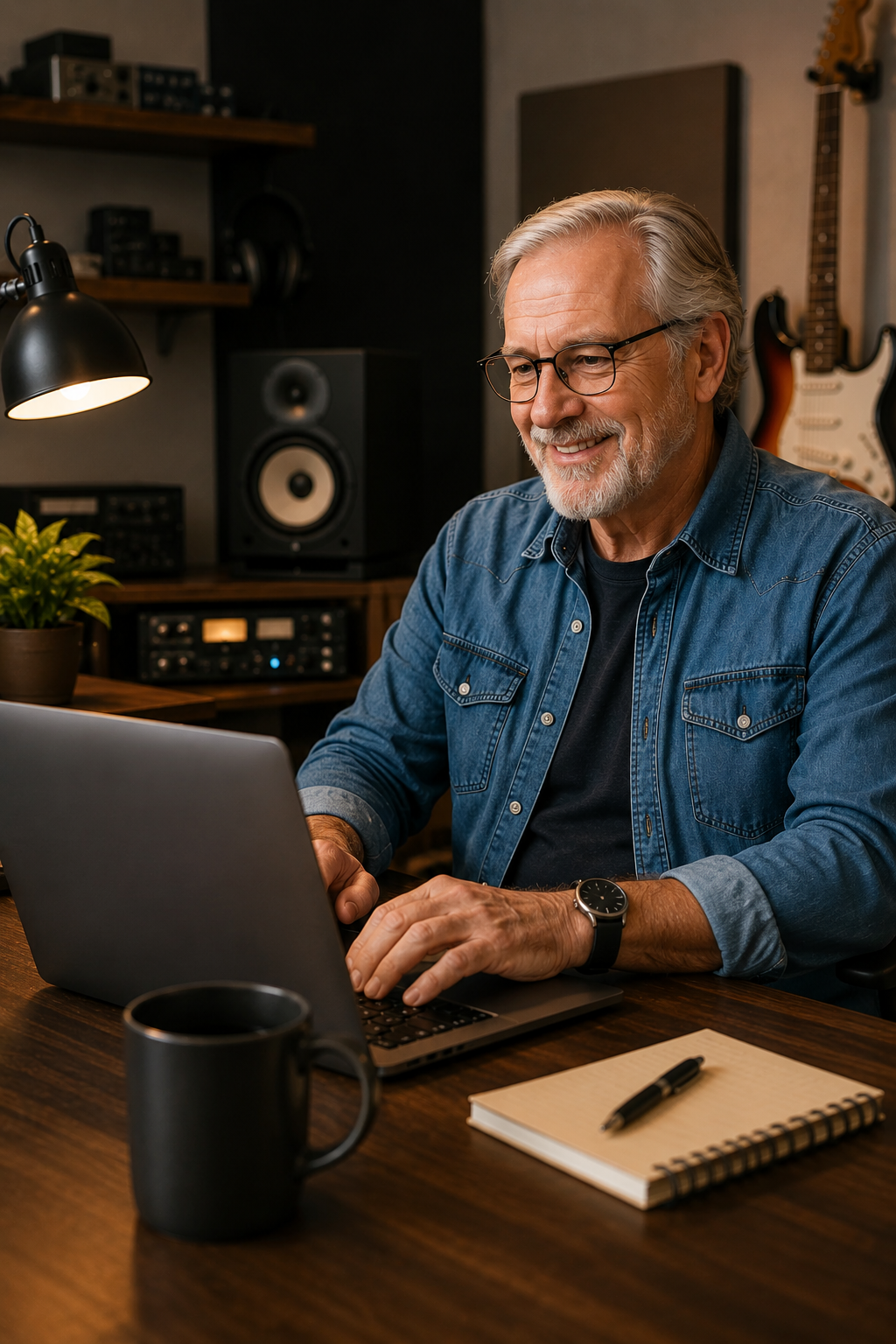
If you run a home studio, you've probably spent time learning microphones, plugins, DAWs, and why one cable in your setup only behaves when the moon is in the correct phase. But here's a slightly awkward question - how comfortable are you with the actual computer running the whole operation? Because for plenty of people, the machine itself is the real challenge.
You sit down ready for a productive session. You open a browser tab to quickly check something, accidentally launch a software update, forget where you saved your files, and suddenly your creative momentum has disappeared into a folder called "Desktop Stuff New Final V3." Sound familiar? You're definitely not the only one.
That's where Master Your Machine in 90 Days comes into the picture. This digital course is designed to help people build genuine computer confidence without making them feel like they've accidentally enrolled in an advanced computer science degree. The goal isn't to turn you into an IT technician. The goal is to make you feel more capable every time you power on your machine.
The format is wonderfully simple. Instead of overwhelming you with massive lessons and technical jargon, the course delivers one email lesson per day. One concept, one skill, one manageable step forward. It's a bit like learning music production properly - you don't start by mastering complex routing before understanding where the record button lives.
Over the course of 90 days, you'll learn 90 different computer skills in a logical sequence that actually makes sense for beginners. The course begins with the very basics and gradually builds toward more advanced digital skills. It's carefully structured so you aren't randomly jumping from spreadsheets to browser settings to virtual assistants without understanding how everything connects together.
You'll explore practical everyday topics like understanding computer components, organizing folders and files, navigating the browser, using keyboard shortcuts, understanding spreadsheets, learning about cloud tools, maintaining online security, updating software safely, and getting comfortable with virtual assistants. In other words, the sort of digital knowledge that quietly makes modern life easier. The kind of skills that can save you time, reduce frustration, and help you stop treating every update notification like a personal threat.
For home studio users, these lessons can be surprisingly useful. Good file organization alone can save you from the timeless producer tradition of hunting through ten mystery folders looking for the "actual" mix version. Understanding software updates can make managing your recording setup feel less stressful. Even learning browser navigation, cloud systems, and digital workflows can make collaboration, backups, and project management much smoother.
One of the clever things about Master Your Machine in 90 Days is that it understands how people actually learn. Most adults don't have endless free hours to sit through giant training sessions. Most people want practical knowledge delivered in digestible pieces that fit into real life.
That's exactly why every lesson focuses on mastering a single idea at a time. Short, approachable lessons tend to stick better than giant information dumps that leave you staring blankly at your screen wondering what just happened. And if you already know some of the material, you'll have the option to skip ahead while still keeping access to the course structure.
That said, even experienced computer users are encouraged to follow the sequence. Because here's the funny thing about technology - you can know how to edit video, run a home studio, manage social media, and troubleshoot audio drivers while still being weirdly unsure about software updates, browser settings, or cloud storage. We all have our blind spots.
Another refreshing part of this course is its accessibility. You don't need a degree. You don't need advanced technical knowledge. You don't need expensive programs, premium subscriptions, or shiny new hardware collecting fingerprints on your desk.
If you have a computer and an internet connection, you can get started. The course is designed for Windows, Mac, and Linux users alike. Which is good news because confusion, procrastination, and forgotten passwords don't really care which operating system you're using.
The lessons arrive daily through email, and each lesson includes access to extra resources, helpful references, and supporting materials if you want to explore further. And if you ever hit a lesson that doesn't quite click, that's accounted for too. The course encourages revisiting previous lessons, reinforcing understanding, and building knowledge progressively rather than expecting instant perfection.
There's also a practical safety net built into the whole experience. Master Your Machine in 90 Days comes with a 60-day, no-questions-asked, 100% money-back guarantee. That means you can spend nearly two months working through lessons, building confidence, and deciding whether the course is genuinely useful for you.
In today's world, digital confidence isn't really optional anymore. Whether you're running a home studio, launching an online business, learning new skills, or simply trying to keep up with modern technology without muttering at your screen, knowing your machine matters. And if your creative life already involves enough troubleshooting between interfaces, plugins, drivers, cables, and mysterious disappearing audio devices, improving your relationship with your computer might be one of the smartest upgrades you can make.
Master Your Machine in 90 Days isn't about becoming a computer expert overnight. It's about feeling calmer, more confident, and less intimidated by the digital tools you use every day. And for anyone running a home studio, that's a surprisingly valuable skill to have in the signal chain.
You sit down ready for a productive session. You open a browser tab to quickly check something, accidentally launch a software update, forget where you saved your files, and suddenly your creative momentum has disappeared into a folder called "Desktop Stuff New Final V3." Sound familiar? You're definitely not the only one.
That's where Master Your Machine in 90 Days comes into the picture. This digital course is designed to help people build genuine computer confidence without making them feel like they've accidentally enrolled in an advanced computer science degree. The goal isn't to turn you into an IT technician. The goal is to make you feel more capable every time you power on your machine.
The format is wonderfully simple. Instead of overwhelming you with massive lessons and technical jargon, the course delivers one email lesson per day. One concept, one skill, one manageable step forward. It's a bit like learning music production properly - you don't start by mastering complex routing before understanding where the record button lives.
Over the course of 90 days, you'll learn 90 different computer skills in a logical sequence that actually makes sense for beginners. The course begins with the very basics and gradually builds toward more advanced digital skills. It's carefully structured so you aren't randomly jumping from spreadsheets to browser settings to virtual assistants without understanding how everything connects together.
You'll explore practical everyday topics like understanding computer components, organizing folders and files, navigating the browser, using keyboard shortcuts, understanding spreadsheets, learning about cloud tools, maintaining online security, updating software safely, and getting comfortable with virtual assistants. In other words, the sort of digital knowledge that quietly makes modern life easier. The kind of skills that can save you time, reduce frustration, and help you stop treating every update notification like a personal threat.
For home studio users, these lessons can be surprisingly useful. Good file organization alone can save you from the timeless producer tradition of hunting through ten mystery folders looking for the "actual" mix version. Understanding software updates can make managing your recording setup feel less stressful. Even learning browser navigation, cloud systems, and digital workflows can make collaboration, backups, and project management much smoother.
One of the clever things about Master Your Machine in 90 Days is that it understands how people actually learn. Most adults don't have endless free hours to sit through giant training sessions. Most people want practical knowledge delivered in digestible pieces that fit into real life.
That's exactly why every lesson focuses on mastering a single idea at a time. Short, approachable lessons tend to stick better than giant information dumps that leave you staring blankly at your screen wondering what just happened. And if you already know some of the material, you'll have the option to skip ahead while still keeping access to the course structure.
That said, even experienced computer users are encouraged to follow the sequence. Because here's the funny thing about technology - you can know how to edit video, run a home studio, manage social media, and troubleshoot audio drivers while still being weirdly unsure about software updates, browser settings, or cloud storage. We all have our blind spots.
Another refreshing part of this course is its accessibility. You don't need a degree. You don't need advanced technical knowledge. You don't need expensive programs, premium subscriptions, or shiny new hardware collecting fingerprints on your desk.
If you have a computer and an internet connection, you can get started. The course is designed for Windows, Mac, and Linux users alike. Which is good news because confusion, procrastination, and forgotten passwords don't really care which operating system you're using.
The lessons arrive daily through email, and each lesson includes access to extra resources, helpful references, and supporting materials if you want to explore further. And if you ever hit a lesson that doesn't quite click, that's accounted for too. The course encourages revisiting previous lessons, reinforcing understanding, and building knowledge progressively rather than expecting instant perfection.
There's also a practical safety net built into the whole experience. Master Your Machine in 90 Days comes with a 60-day, no-questions-asked, 100% money-back guarantee. That means you can spend nearly two months working through lessons, building confidence, and deciding whether the course is genuinely useful for you.
In today's world, digital confidence isn't really optional anymore. Whether you're running a home studio, launching an online business, learning new skills, or simply trying to keep up with modern technology without muttering at your screen, knowing your machine matters. And if your creative life already involves enough troubleshooting between interfaces, plugins, drivers, cables, and mysterious disappearing audio devices, improving your relationship with your computer might be one of the smartest upgrades you can make.
Master Your Machine in 90 Days isn't about becoming a computer expert overnight. It's about feeling calmer, more confident, and less intimidated by the digital tools you use every day. And for anyone running a home studio, that's a surprisingly valuable skill to have in the signal chain.
You may purchase items mentioned in this article here. Affiliate links earn me a commission at no extra cost to you. Thanks for supporting IanGardner.com