How to Speed Up a Sluggish Computer
Boost your PC with these easy tips to fix startup overload, clean clutter and optimize memory.
Ian Gardner is a British-American broadcaster, voice artist and audio enthusiast, sharing years of experience building creative workflows from a modern home studio. He helps readers make smarter buying decisions across studio gear, production tools and home comforts for both inside and outside the workspace. Broadcasters, podcasters, voice artists, producers and digital creators will find guidance that supports high production values and efficient workflows for building a successful home studio business. Similar articles can be found in the computers blog.
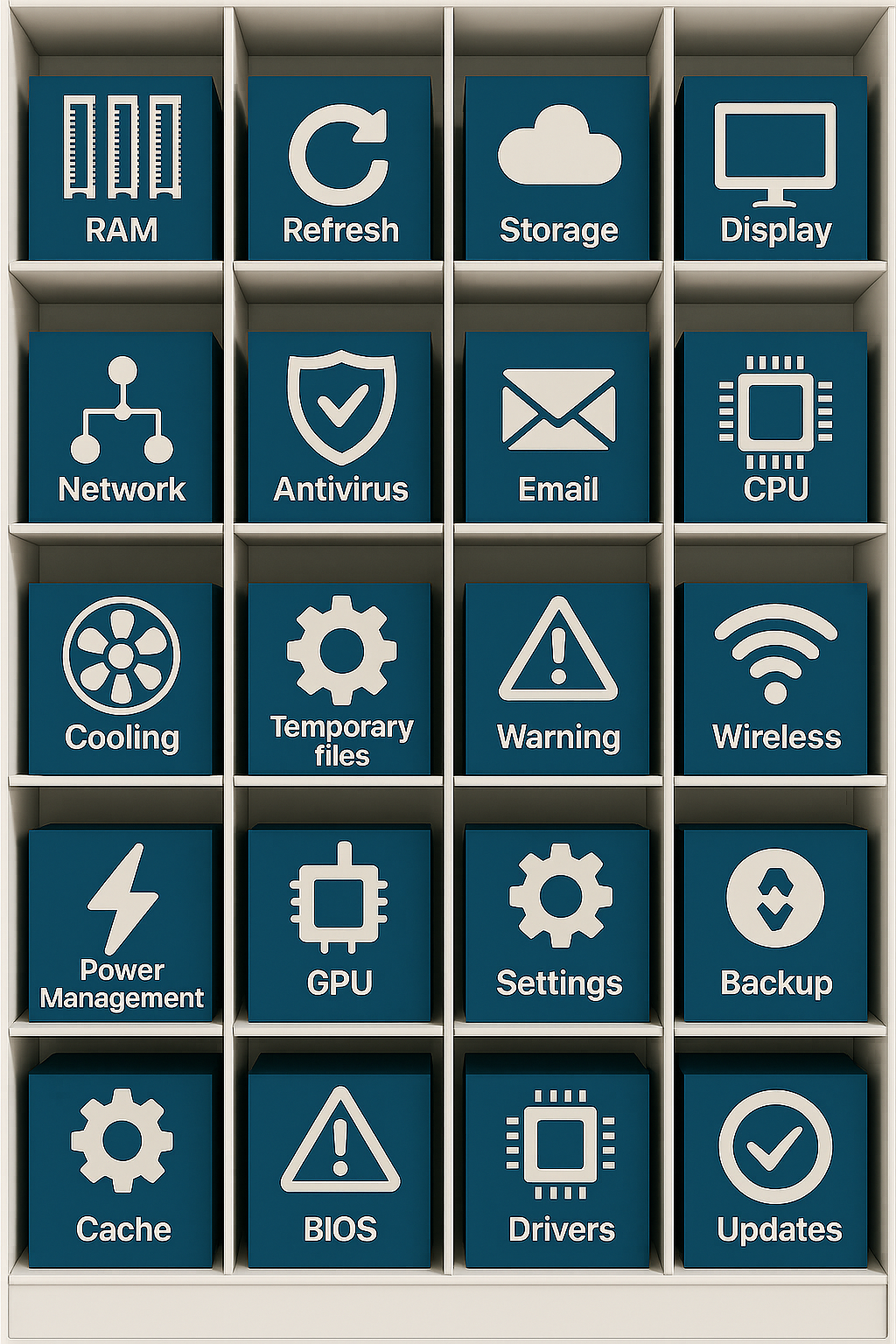
Most performance problems for PCs come from a handful of common issues that build up quietly over time. Fixing them is often easier than you think, and in many cases completely free.
One of the biggest culprits is startup overload. Every time you install software, there is a good chance it politely invites itself to start running the moment your computer boots up. Individually these programs seem harmless, but together they form a queue of background processes all competing for attention. By the time you reach your desktop, your computer is already tired. Disabling unnecessary startup apps can dramatically improve boot time and overall responsiveness.
Another common issue is background activity you never see. Cloud sync tools, update checkers, chat apps, printer utilities, and browser helpers all run quietly in the background. They consume memory, disk access, and processor time even when you are not actively using them. A quick look at your task manager often reveals programs you forgot you installed and definitely did not ask to run constantly.
Storage plays a much bigger role in perceived speed than most people realise. It is not just about how much space you have left, but the type of storage your computer uses. Traditional hard drives slow everything down, especially as they fill up. If your system drive is nearly full, your computer has less room to breathe and performance suffers. Solid state drives, on the other hand, make even modest systems feel dramatically faster. In many cases, upgrading storage delivers a bigger speed boost than replacing the entire machine.
RAM pressure is another silent performance killer. Modern browsers are hungry, and every open tab uses memory. Add a few applications, email clients, and background services, and suddenly your system is juggling more than it comfortably can. When RAM runs out, your computer borrows space from the storage drive, which is far slower. This is when everything starts to feel sluggish. Closing unused tabs and apps can help, and in some systems adding more RAM is an inexpensive upgrade that extends the life of the computer by years.
Software updates can also contribute to slowdown, especially when they pile up. Operating systems, drivers, and applications all want regular updates, and many schedule tasks to check for them constantly. Outdated software can be inefficient, but too many update services running at once can drag things down. Keeping your system updated while trimming redundant update utilities is a balancing act worth doing.
Security software deserves a special mention. Antivirus and endpoint protection tools are essential, but some are far heavier than others. Running multiple security tools at the same time is a common mistake and can severely impact performance. One well configured solution is usually enough. Anything more tends to create more problems than protection.
Then there is the simple reality of digital clutter. Temporary files, cached data, abandoned downloads, and half uninstalled programs accumulate slowly. Over time, they increase indexing, scanning, and housekeeping work your system has to do. Periodic cleanup helps restore a sense of order and can noticeably improve responsiveness.
It is also worth considering expectations. Modern websites are heavier than they used to be, with video, animations, and background scripts loading constantly. Even a perfectly healthy computer can feel slower if it is being asked to do far more than machines from a few years ago ever were. This does not mean your computer is broken. It means the web has changed.
So when does replacement actually make sense. If your computer cannot run your operating system smoothly even after cleanup, uses unsupported hardware, or struggles with tasks that are essential to your work, it may be time. But that decision should come after optimisation, not before it.
In many cases, a slow computer is simply asking for a bit of attention. A tidy startup list, sensible storage management, fewer background apps, and realistic expectations can bring surprising improvements.
One of the biggest culprits is startup overload. Every time you install software, there is a good chance it politely invites itself to start running the moment your computer boots up. Individually these programs seem harmless, but together they form a queue of background processes all competing for attention. By the time you reach your desktop, your computer is already tired. Disabling unnecessary startup apps can dramatically improve boot time and overall responsiveness.
Another common issue is background activity you never see. Cloud sync tools, update checkers, chat apps, printer utilities, and browser helpers all run quietly in the background. They consume memory, disk access, and processor time even when you are not actively using them. A quick look at your task manager often reveals programs you forgot you installed and definitely did not ask to run constantly.
Storage plays a much bigger role in perceived speed than most people realise. It is not just about how much space you have left, but the type of storage your computer uses. Traditional hard drives slow everything down, especially as they fill up. If your system drive is nearly full, your computer has less room to breathe and performance suffers. Solid state drives, on the other hand, make even modest systems feel dramatically faster. In many cases, upgrading storage delivers a bigger speed boost than replacing the entire machine.
RAM pressure is another silent performance killer. Modern browsers are hungry, and every open tab uses memory. Add a few applications, email clients, and background services, and suddenly your system is juggling more than it comfortably can. When RAM runs out, your computer borrows space from the storage drive, which is far slower. This is when everything starts to feel sluggish. Closing unused tabs and apps can help, and in some systems adding more RAM is an inexpensive upgrade that extends the life of the computer by years.
Software updates can also contribute to slowdown, especially when they pile up. Operating systems, drivers, and applications all want regular updates, and many schedule tasks to check for them constantly. Outdated software can be inefficient, but too many update services running at once can drag things down. Keeping your system updated while trimming redundant update utilities is a balancing act worth doing.
Security software deserves a special mention. Antivirus and endpoint protection tools are essential, but some are far heavier than others. Running multiple security tools at the same time is a common mistake and can severely impact performance. One well configured solution is usually enough. Anything more tends to create more problems than protection.
Then there is the simple reality of digital clutter. Temporary files, cached data, abandoned downloads, and half uninstalled programs accumulate slowly. Over time, they increase indexing, scanning, and housekeeping work your system has to do. Periodic cleanup helps restore a sense of order and can noticeably improve responsiveness.
It is also worth considering expectations. Modern websites are heavier than they used to be, with video, animations, and background scripts loading constantly. Even a perfectly healthy computer can feel slower if it is being asked to do far more than machines from a few years ago ever were. This does not mean your computer is broken. It means the web has changed.
So when does replacement actually make sense. If your computer cannot run your operating system smoothly even after cleanup, uses unsupported hardware, or struggles with tasks that are essential to your work, it may be time. But that decision should come after optimisation, not before it.
In many cases, a slow computer is simply asking for a bit of attention. A tidy startup list, sensible storage management, fewer background apps, and realistic expectations can bring surprising improvements.
You may purchase items mentioned in this article here. Affiliate links earn me a commission at no extra cost to you. Thanks for supporting IanGardner.com